 Lineup Manager+
Frequently Asked Questions
How do I create a lineup?
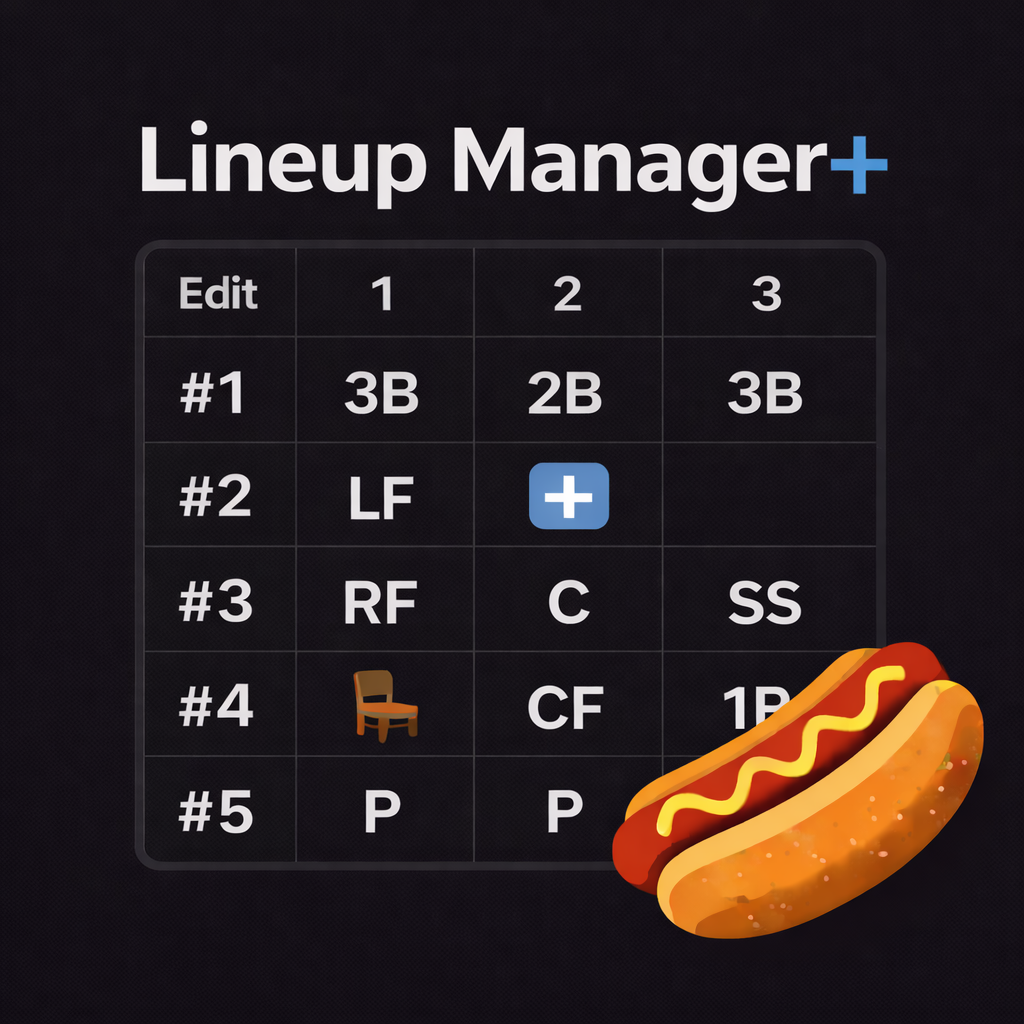
Go to the Games tab, select or create a game, then tap on the lineup grid. You can assign each player to a position for every inning. Drag players to reorder the batting lineup.
Can I manage multiple teams?
Yes! Go to Settings to add and switch between teams. Each team has its own roster, games, seasons, and settings. Players can be shared across teams.
How does iCloud sync work?
If iCloud is enabled on your device, Lineup Manager+ automatically syncs your data across all your Apple devices. Make sure you're signed into the same Apple ID on each device.
How do I set up walkup music?
Open a player's profile and scroll to the Walkup Songs section. Tap "Add" to search and select songs from Apple Music. You can also set team-level songs in the team edit screen. An Apple Music subscription is required for playback.
How do I sync games to my calendar?
Go to Settings and enable Calendar Sync. You can manage sync per team in each team's edit settings. Games will appear in your device's calendar app.
Is my data private?
Yes. All data is stored locally on your device and in your personal iCloud account. We do not collect, store, or have access to any of your data. See our Privacy Policy for details.
What devices are supported?
Lineup Manager+ works on iPhone and iPad running iOS/iPadOS 18.0 or later.
I found a bug. How do I report it?
Please email [email protected] with a description of the issue, the device you're using, and any screenshots if possible. We'll get back to you as soon as we can.